
Mobile Banking

Mobile Banking

Bank Anytime, Anywhere with EGBANK Mobile Banking

Your time matters — and your banking should fit your lifestyle.

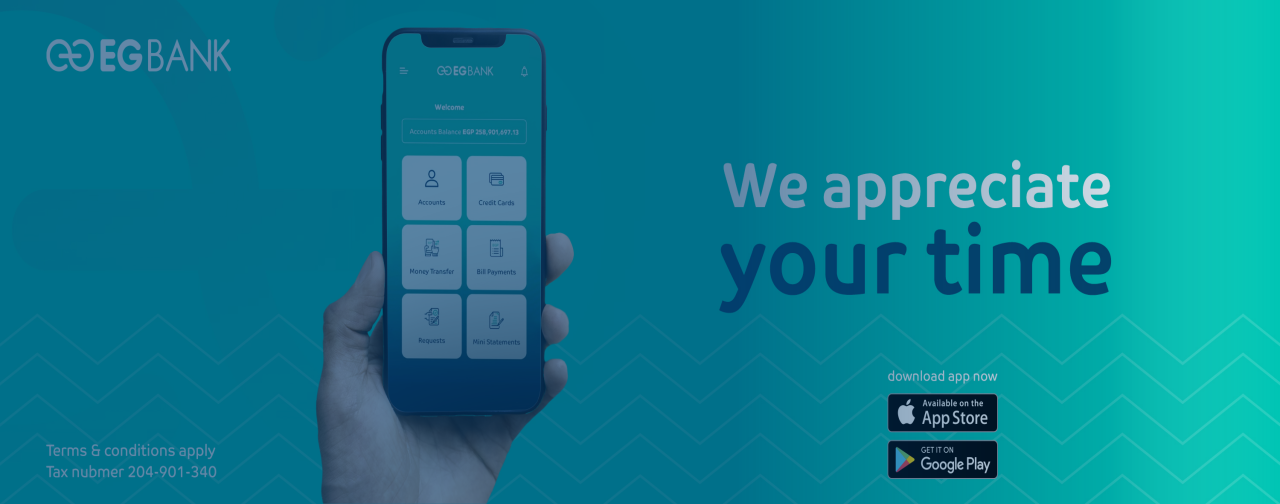
With the EGBANK Mobile Banking App, you can manage your accounts, transfer money, and complete your banking transactions easily, securely, and whenever you need.

Download the EGBANK Mobile Banking App and enjoy 24/7 access to a wide range of convenient digital services designed to make your daily banking faster and simpler.

EGBANK Mobile Banking Features & Benefits

Manage Your Accounts Anytime

  • Check all your EGBANK accounts: current, savings, loans, deposits, and certificates
  • View loan details including balance, next instalment, and remaining amount
  • Access your IBAN instantly
  • Request a mini-statement for quick updates

Credit Card Services

  • View credit card balances, recent transactions, and full statements
  • Settle your credit card and redeem reward points directly through the app

Easy Money Transfers

  • Transfer money between your EGBANK accounts
  • Transfer funds to other EGBANK customers
  • Send money to local and international bank accounts securely
  • Pay all your bills through Fawry Service

Digital Banking Requests

  • Open a new sub-current account
  • Issue certificates and time deposits instantly
  • Request cheque books
  • Request balance certificates

Smart Tools & Support

  • Update your personal information (mobile number, address)
  • Check the latest currency exchange rates
  • Locate nearby EGBANK branches and ATMs
  • Use the loan calculator to estimate monthly instalments

Daily transfer

For individual customers

Limit up to EGP 1M

Daily transfer

For Prime & Private Banking customers

Limit up to EGP 3M

How to access for EGBANK Mobile Banking

Download & Login

1- Download the EGBANK Mobile Banking App from Google Play or the App Store.

2- Use the same username and password you use for EGBANK Online Banking to login instantly and access your Mobile Banking profile

EGBANK Soft Token (Enhanced Security)

1- For your security, some transactions require a One Time Password (OTP).

2- To generate OTP codes, please download the EGBANK Soft Token App from Google Play or the App Store.

How to Activate Your EGBANK Soft Token

1- Download the EGBANK Soft Token app on your smartphone.

2- Log in to EGBANK Online Banking from your computer/Laptop → go to My Information → select Token Registration.

3- Click Register Token, then enter the confirmation code sent to your registered mobile number.

4- Scan the QR code displayed on your computer/Laptop using the Soft Token app to receive your verification code.

Your Soft Token is now activated, and you're ready to authorize secure transactions & Initiate your requests anytime.

Token Activation User Guide

Download the step-by-step guide to activate your EGBANK Soft Token:

Token Guide Link

Getting Started with Mobile Banking:

Access our EGBANK Mobile Banking App to see how to set up, navigate, and use all features of the EGBANK Mobile Banking App.

EGBank App Complete Guide