Execute your Banking Transactions from your Place
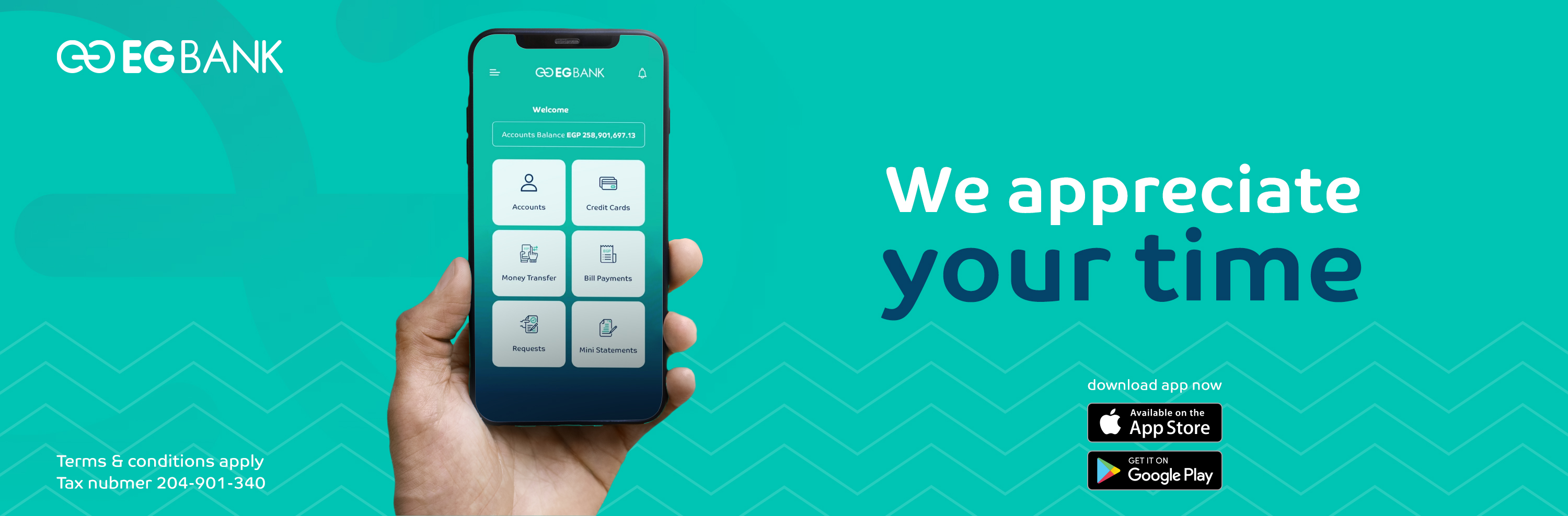
Because your time and comfort are important to us, live a different experience with the EGBANK Mobile Banking application, through which you will be able to carry out your banking transactions with ease and safety, at any time and in any place.
Download EGBANK Mobile Banking application and enjoy a range of services that will make it easier for you to manage your banking transactions with ease 24/7.
EGBANK Mobile Banking Features & Benefits:
-
Inquiry all your accounts (current - savings - loans - certificates - deposits).
-
Inquiry loan (current loan balance, date and amount of next installment, remaining loan balance).
-
Inquiry credit card balances and transactions details.
-
Inquiry the International Bank Account Number (IBAN).
-
Transfers between same customer accounts and customers accounts within EGBANK.
-
Transfers between EGBANK customers accounts and other bank customers inside/outside Egypt.
-
Update your personal information (Mobile number, mailing address).
-
Credit cards Settlement and points redemption.
-
Bill Payments through Fawry Service.
-
Issue certificates and Time Deposits.
-
Request the issuance of a Cheque Book.
-
Request Balance Certificate.
-
Open a new sub–Current Account.
-
Mini-Statement request.
-
currency Exchange, ATMs and branches location.
-
Loan Calculator.
-
**Transfers Maximum limit 1M daily for individual customers.
-
**Transfer maximum daily limit is EGP 3M for Prime and Private banking customers.
How to register the service:
-
Download EGBANK Mobile Banking App on your smartphone from Google Play or App Store or scan the QR code.
-
Use the same username and password as your EGBANK Online Banking profile to access the EGBANK Mobile Banking App.
EGBANK Soft Token
For more security, certain transactions performed on the account will be authenticated using One Time Password (OTP).
You are requested to download " EGBANK Soft Token " application from Google Play or App Store to be able to generate One Time Password (OTP) that will be used to complete your transaction.
EGBANK soft Token activation steps
-
Download EGBANK Soft Token app from you Google play store or App store.
-
Login to Online banking then click on My Information from your computer & choose Token Registration.
-
Click on register token then insert the confirmation code received by SMS on your Mobile that register on the bank, then click on verify OTP.
-
Scan QR code appearing on your computer using the soft token Application to receive the verification code.
**please click on this link to download user guide.
EGBANK-SoftToken Quick StartGuide.pdf
Getting Started with Mobile Banking:
Watch Our Service Guides
 Mobile Banking

